Electronic Request For SCC-Continuing Education ID Process
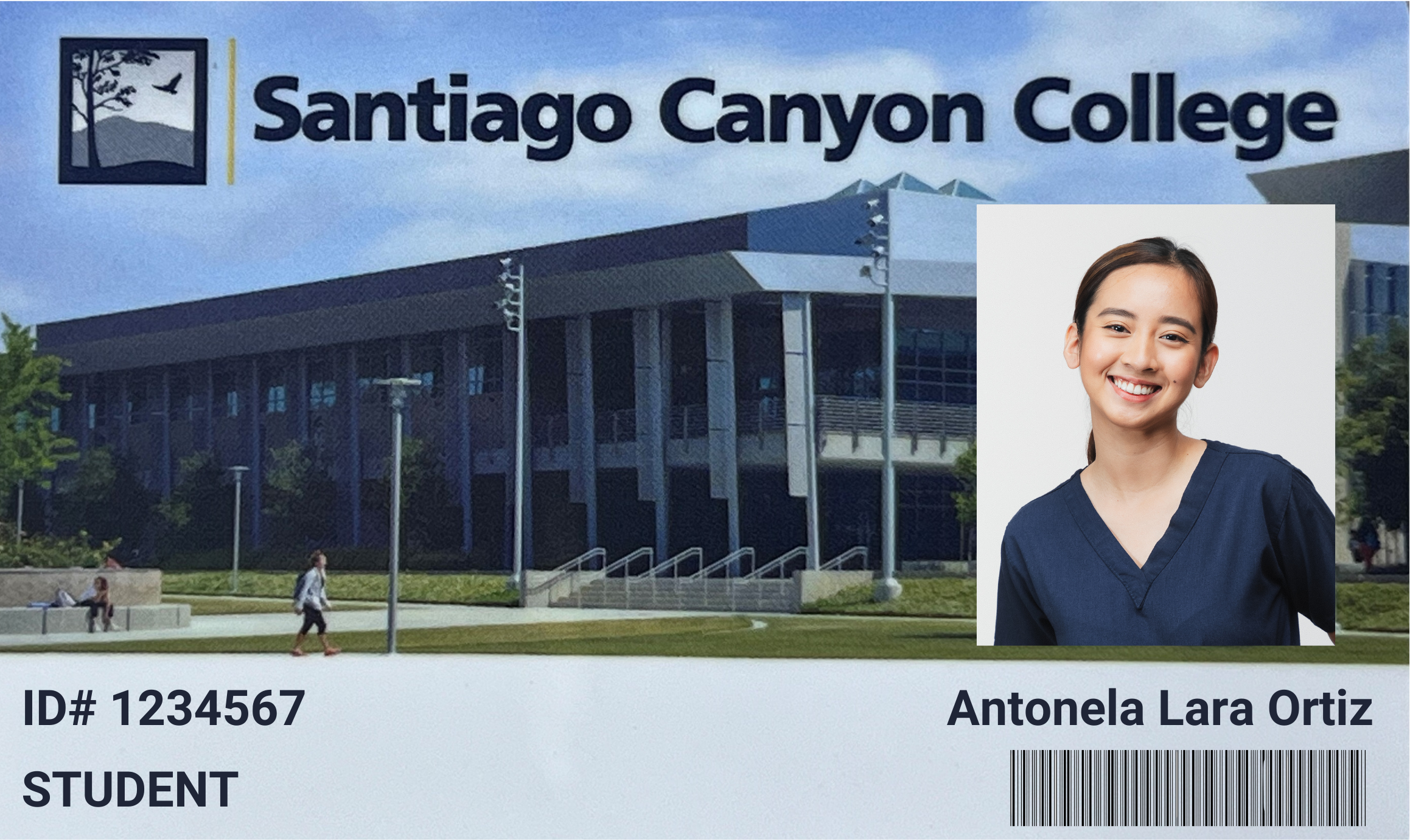
To obtain a student ID, you must complete this form and be enrolled in and attending classes during the current academic term. After receiving your request, the office will review and process it, then prepare your ID card and mail it to the address you provided.
To request your ID electronically simply follow these steps:
Step 1 – Complete the Photo ID Request Form
Step 2 – Upload a picture or scan of a Valid Form of Identification (Driver's License, State
ID Card, Passport)
Step 3 - Upload a photo of yourself following Photo Submission Guidelines
Please allow 7 business days for processing of your request, if you do not receive your photo ID in the mail within 10 days from submission please contact the welcome center at welcomecenter@sccollege.edu or call (714) 628-5994.
Student IDs are also available in person at:
- Chapman Center (CHAP) Room 203
1937 W. Chapman Ave., Suite 200 (2nd Floor), Orange, CA 92868
Monday & Tuesday - 9:00 AM to 11:00 AM & 5:00 PM to 7:00 PM. - Santiago Canyon College (SCC) Room U-80
8045 E. Chapman Ave., Orange, CA 92869
Friday - 9:00AM to 11:00AM.
Valid Form of Identification Requirements
To obtain a student photo ID, students must verify their identity by uploading one of the following acceptable Forms of Identification. NOTE: Student Photo ID's will not be processed without identify verification.
- State Issued driver's license
- Passport
- State Issued ID card
If you do not have the above documents of identification or if your primary ID is expired you will also need to submit 5 secondary proof of identification documents. You can submit any combination of the secondary proof of identification items listed below, although documents that show a photograph as well as your full name are preferred.
- State-issued driver's license (expired, new, or suspended)
- Social Security Card
- Passport (expired passport, including passports issued by foreign countries)
- Student ID card with photo
- Welfare card
- Health insurance or Medicare card
- Voter ID card
- Employment ID card
- Professional license (such as nurse, beautician, mechanic, etc.)
- Flight Crew ID card
- Union membership card
- Military records
- Selective Service registration
- Diploma or school transcript
- School yearbook with name and photo
- Marriage certificate or divorce decree
- Your child's birth certificate showing your name as parent
- Baptismal certificate or other religious record
- Copy of your mortgage, lease, or rental agreement
- Copies of banking or credit card records for the past year (account numbers may be blacked out for privacy)
- Vehicle registration, title, or proof of car insurance
- Copies of utility bills for the past year
- Income tax records or W-2 (more than one year's worth)
- Newspaper articles or publicity items with your name and photo
Photo Upload Requirements
Electronic Photo Submission Guidelines
- Recent COLOR photo of head and shoulders ONLY – typically photo is taken 3-5 feet away.
- C.N.A students must wear their navy blue C.N.A program scrubs on the photo that is uploaded.
- No other visible people or objects
- Photo taken in good lighting with noshadows or bright spots
- Face and shoulders forward and centered – no sunglasses, hats, or any other article that obstructs face or hair
- Orientation of photo to be forward and level, no head tilts or taken from above
- Saved as a .jpg
** Photos containing any of the following will be rejected. ***
- Someone other th?an yourself (animal, baby, parents, inanimate object)
- Sunglasses or hat
- Tilted heads, selfies, or glamour shots
- Comical photos or photos with gestures
- Backgrounds that are not plain/solid white or dark color
- No Group Photos, or photos that are low quality or too dark or light
NOTE: The document file cannot exceed 25 Mb and must be one of these file types:
-
- PDF file
- image file in .jpg, .gif, or .png
- Word file (.doc, .docx)